 Passquare
Apple Wallet Passes and Google Wallet Passes with Syrve
Connect Syrve and Passquare to automate and run your loyalty program.
Issue digital loyalty cards automatically
The module follows Syrve documentation and uses the Syrve Loyalty API. Current and new customers can get a card without staff help and add it to Apple Wallet or Google Wallet in a few taps.
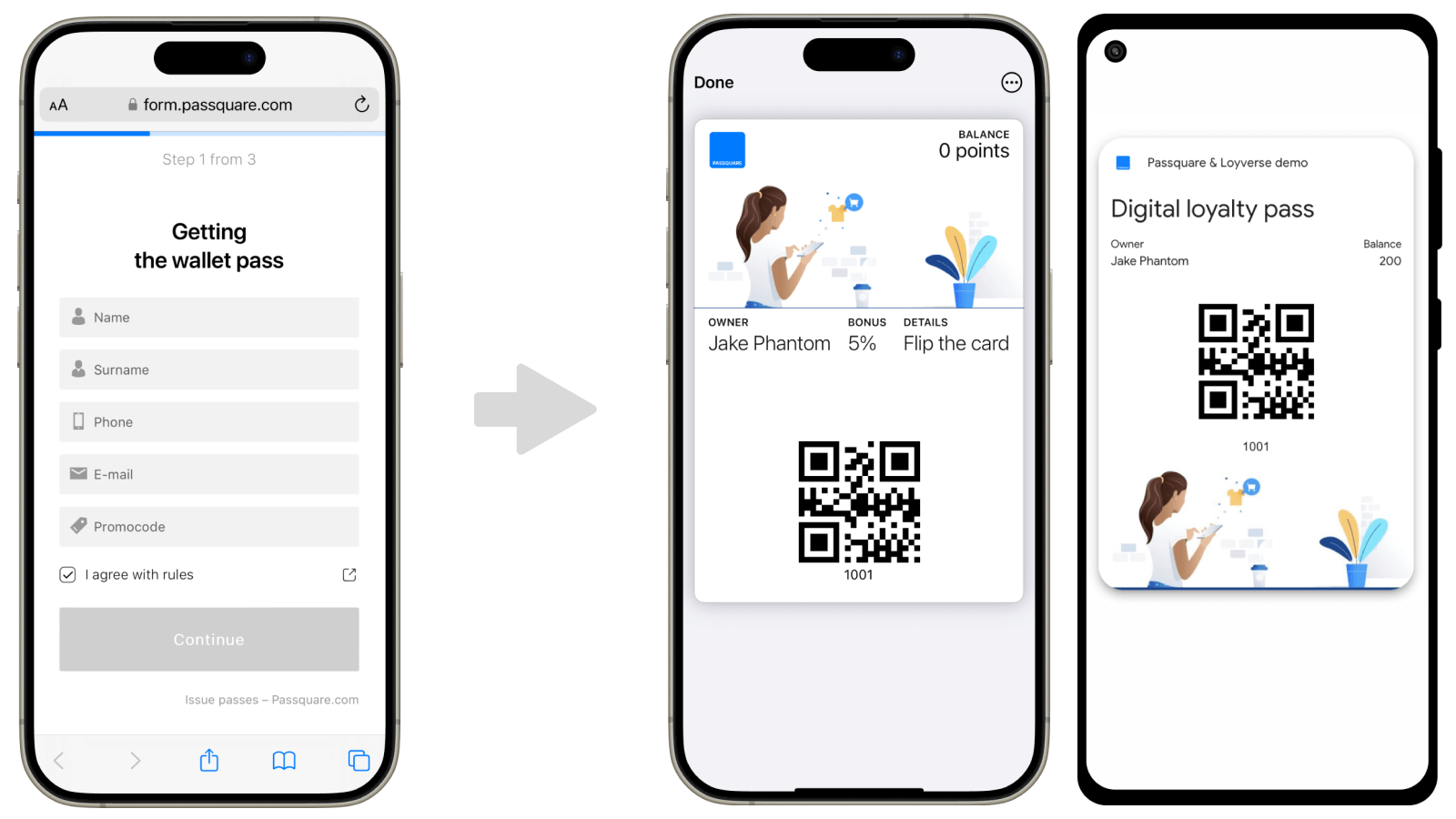
Automatic sync with Syrve
When a customer registers a wallet card, their details go to Syrve. Cards use a card number or phone number as the ID. Sync uses the phone number: if the customer is new, Passquare creates them; if they already exist, the card is linked and duplicates are avoided. Cards are ready to use right away.
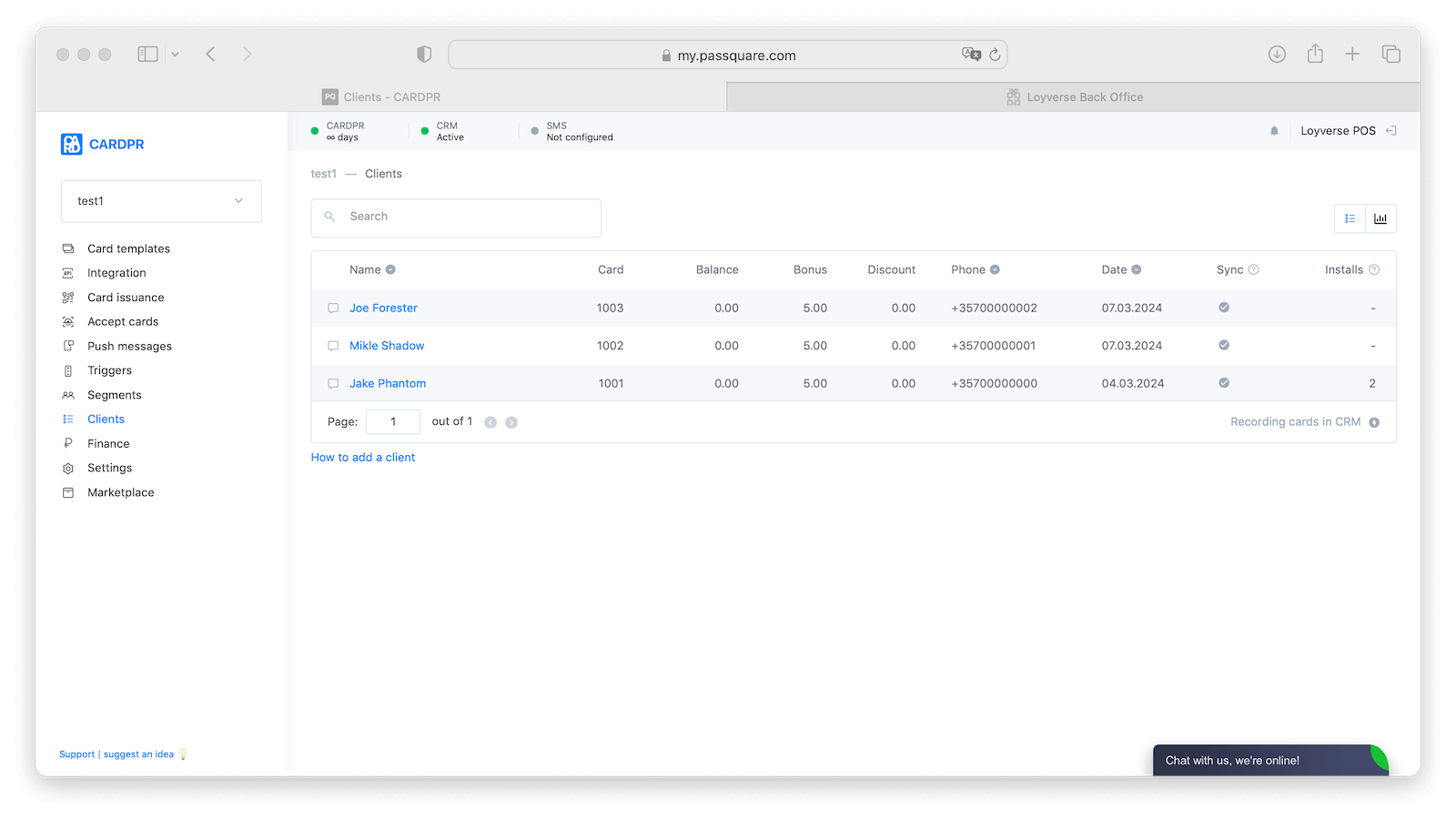
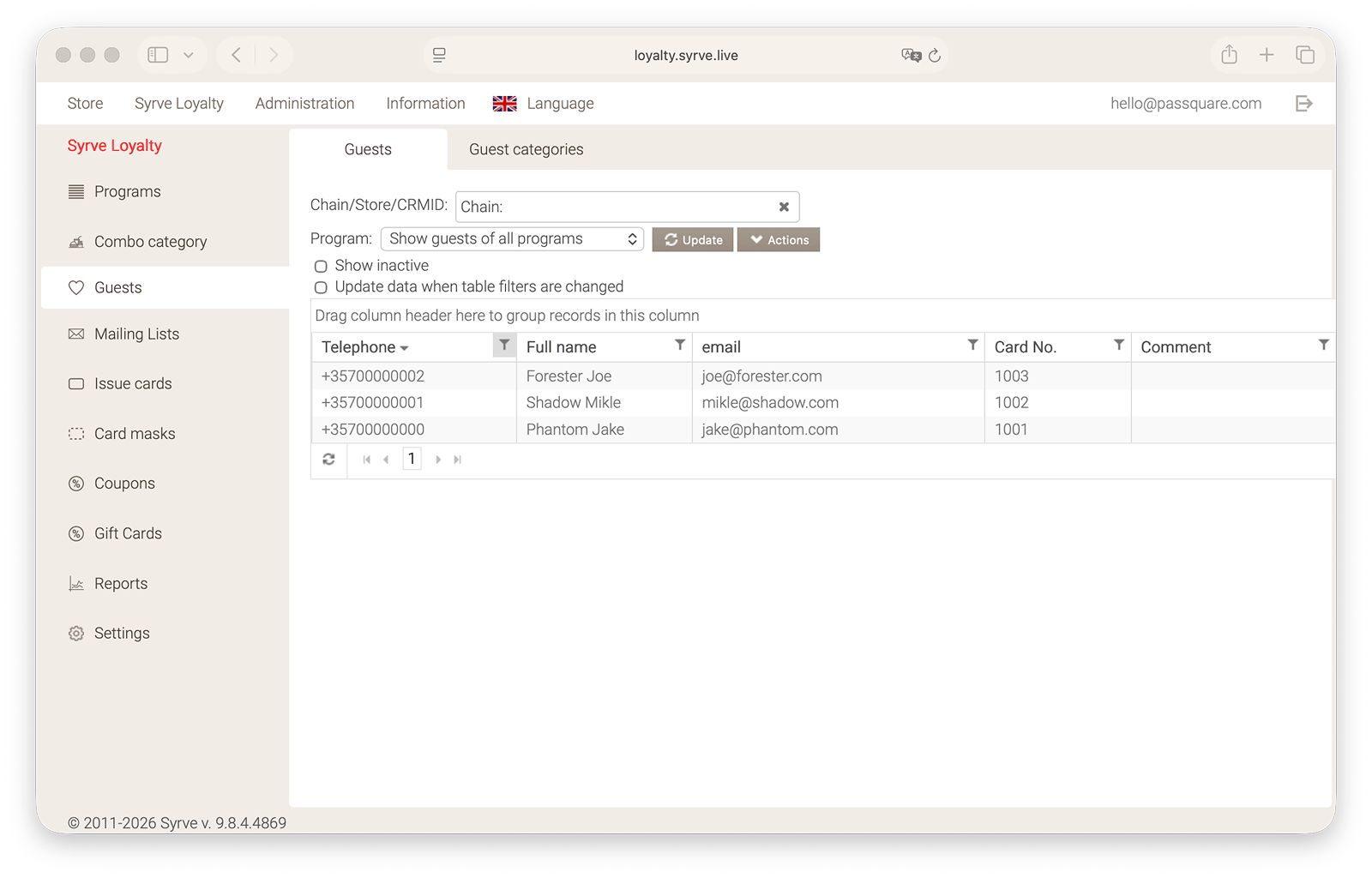
Live updates
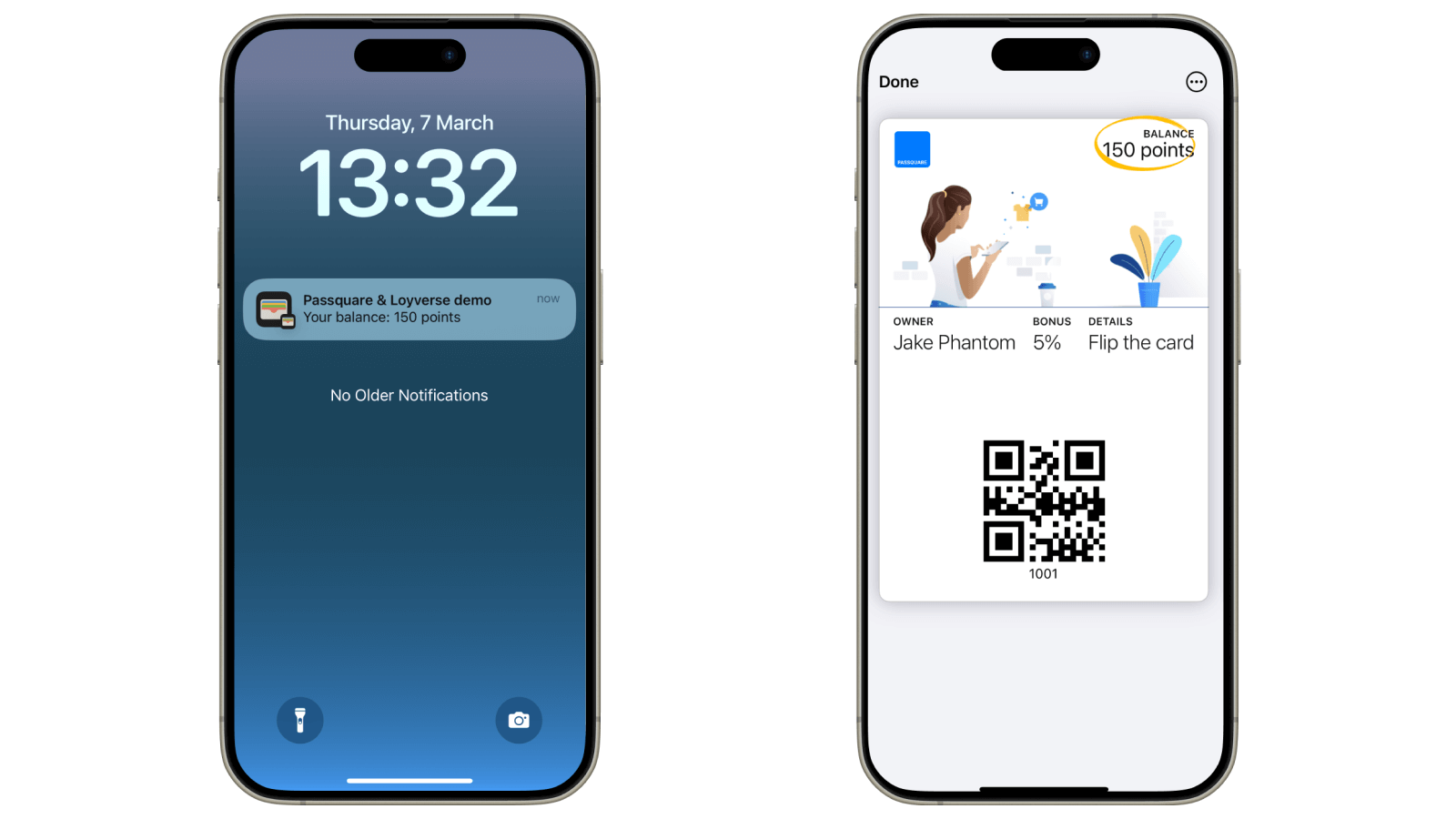
Digital cards show current company information, points balance, and discount level. Customers see the latest news and offers on the card.
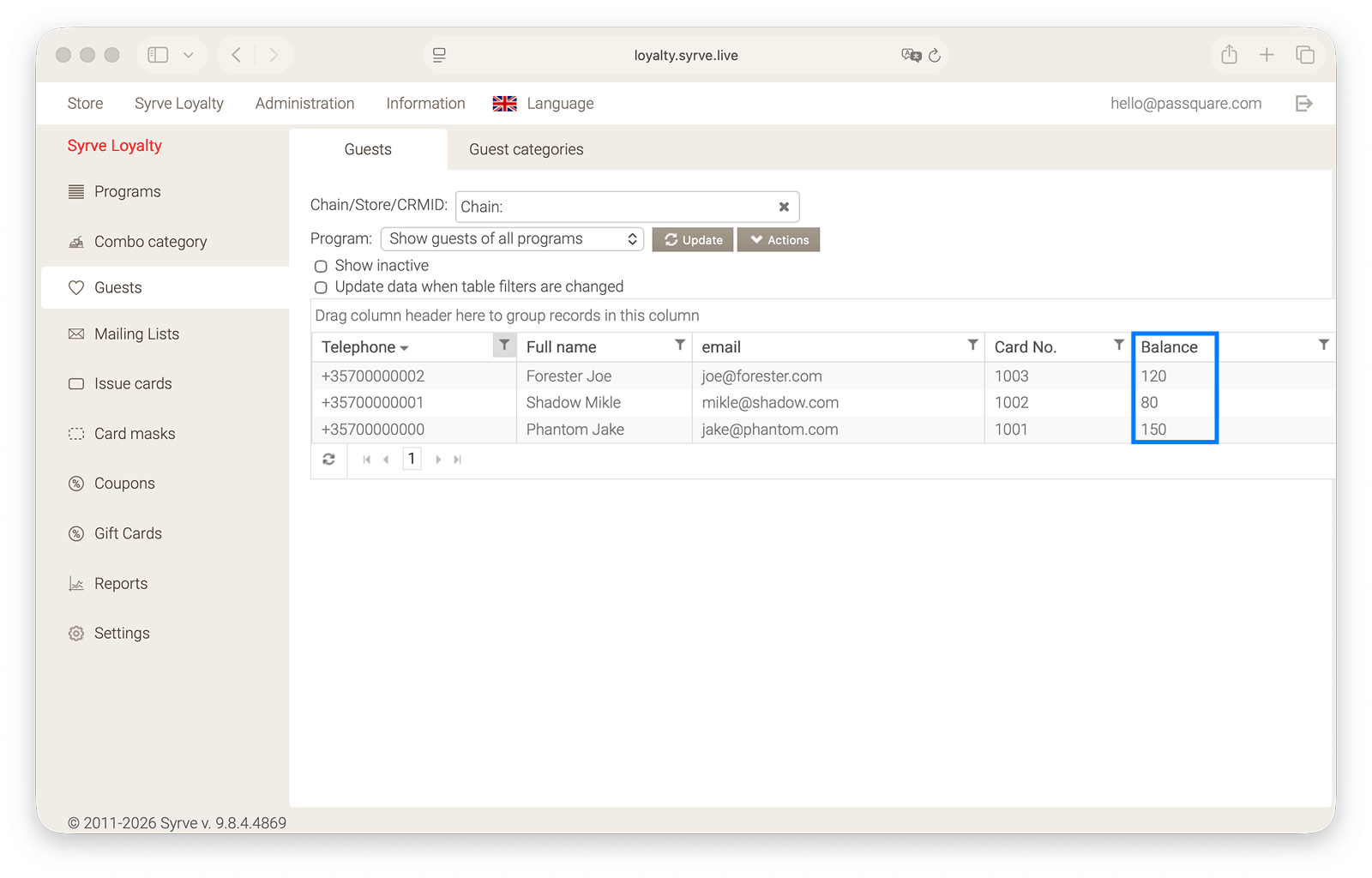
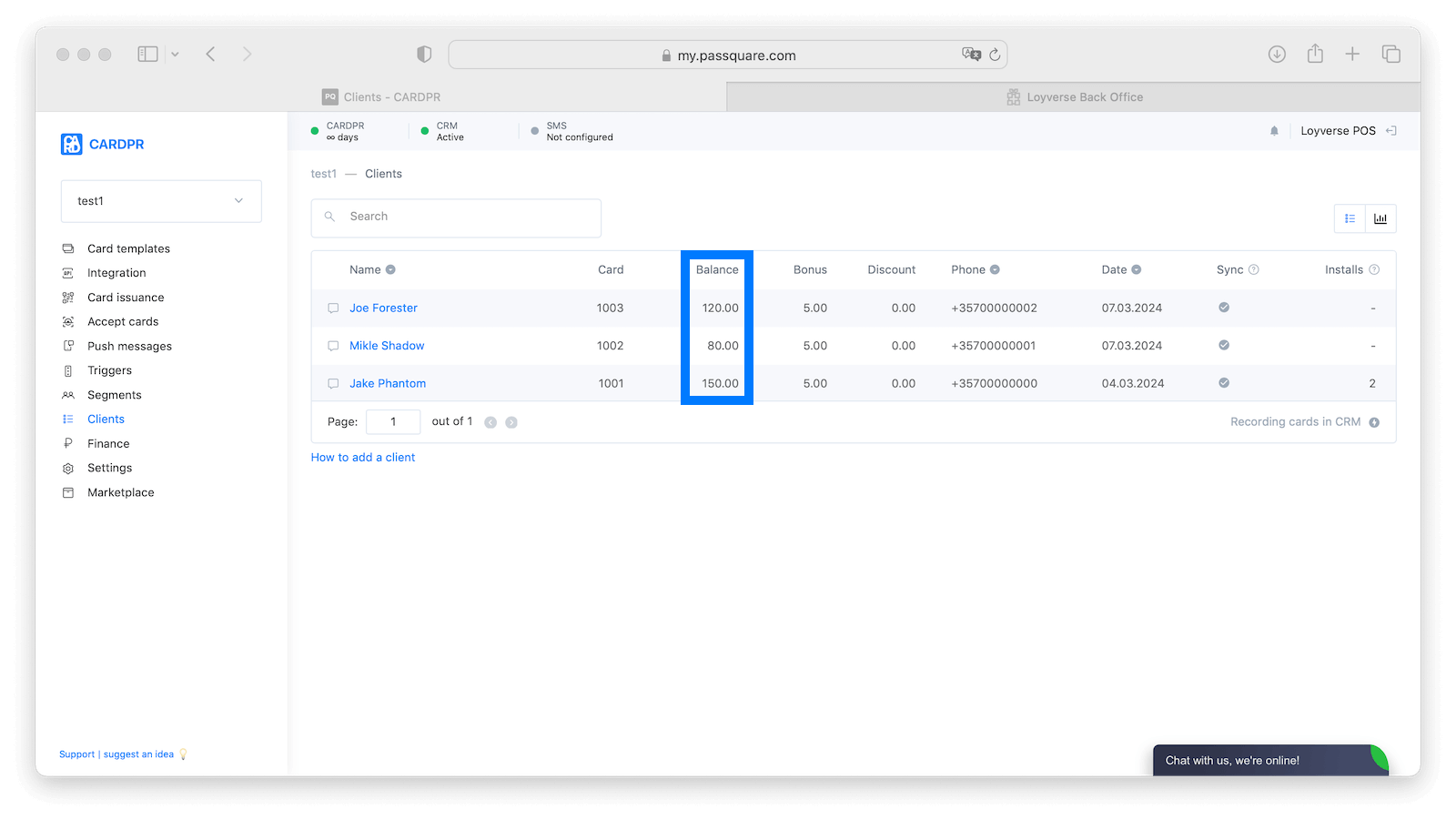
Points tracking
After a purchase, Syrve adds points and applies discounts. The balance updates on the loyalty card, and customers get a notification about their balance and your latest offers.
With Syrve and Passquare, you can run the loyalty program from one place.
A discount or points program must already be set up in Syrve. Talk to Passquare support before you connect.
After cards are issued, add referrals to grow the customer base, then set up segments from purchase history. Give each segment its own offers and triggers.
Get started free
Try Passquare — it’s free & easy.
Create an account, set up your signup form, design your cards, issue a few wallet passes, and send your first push notifications.
Sign up for free